


XR/AR Glasses 3.0 with Myopia Adjustment -5.0D & 146" Virtual Display
XR/AR Glasses 3.0 with Myopia Adjustment -5.0D & 146" Virtual Display


Couldn't load pickup availability

XR/AR Glasses 3.0 with Myopia Adjustment -5.0D & 146" Virtual Display


Your big screen.
Now wearable.
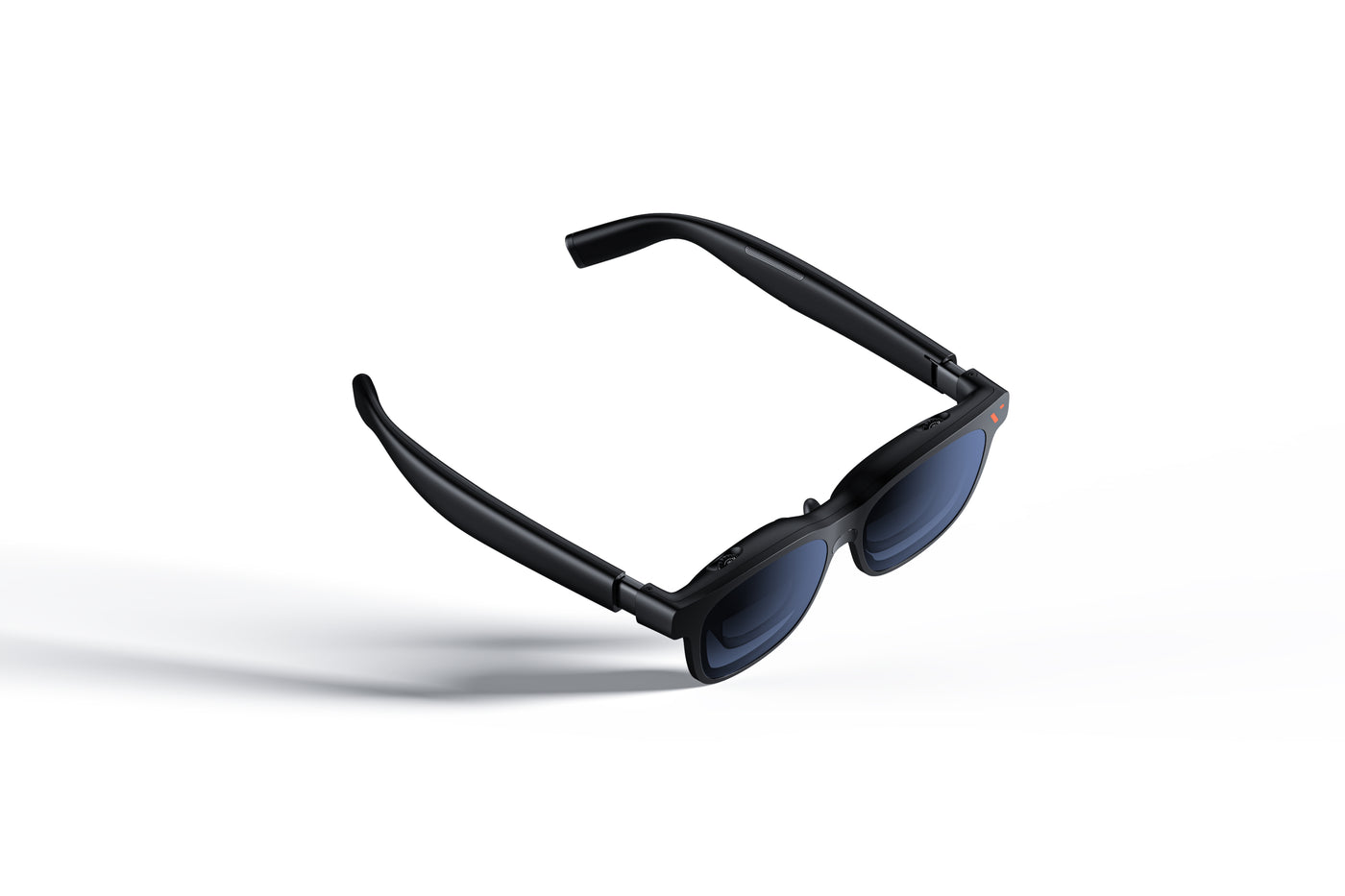
Turn a small-screen moment into your own cinema. A 146-inch virtual display, in a 63g pair of glasses.
Connects to compatible devices. Some setups require a separate adapter.
Small frames.
A bigger escape.
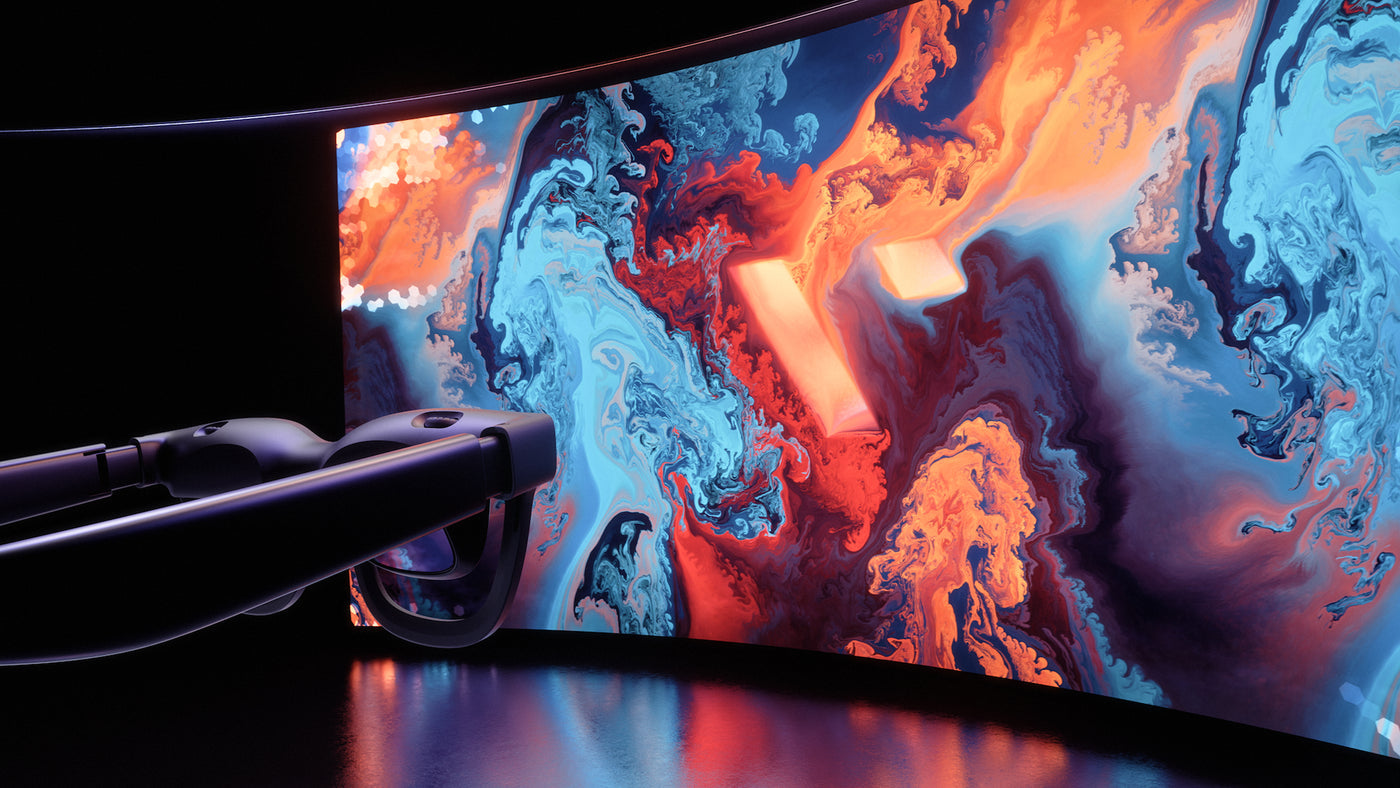
Give your games and films room to breathe. Sony Micro-OLED panels and UltraClarity 3.0 optics bring the action into focus.
More room to play.
A 50° field of view puts a wider scene in front of you. Enjoy up to 120Hz on supported devices and content.
Detail, in focus.
1080p per eye with Sony Micro-OLED panels. Adjust each lens independently to bring your view into focus.
Sound, built in.
Open-ear spatial audio keeps dialogue and game sound close, without adding a separate speaker to your setup.
Find your
sweet spot.
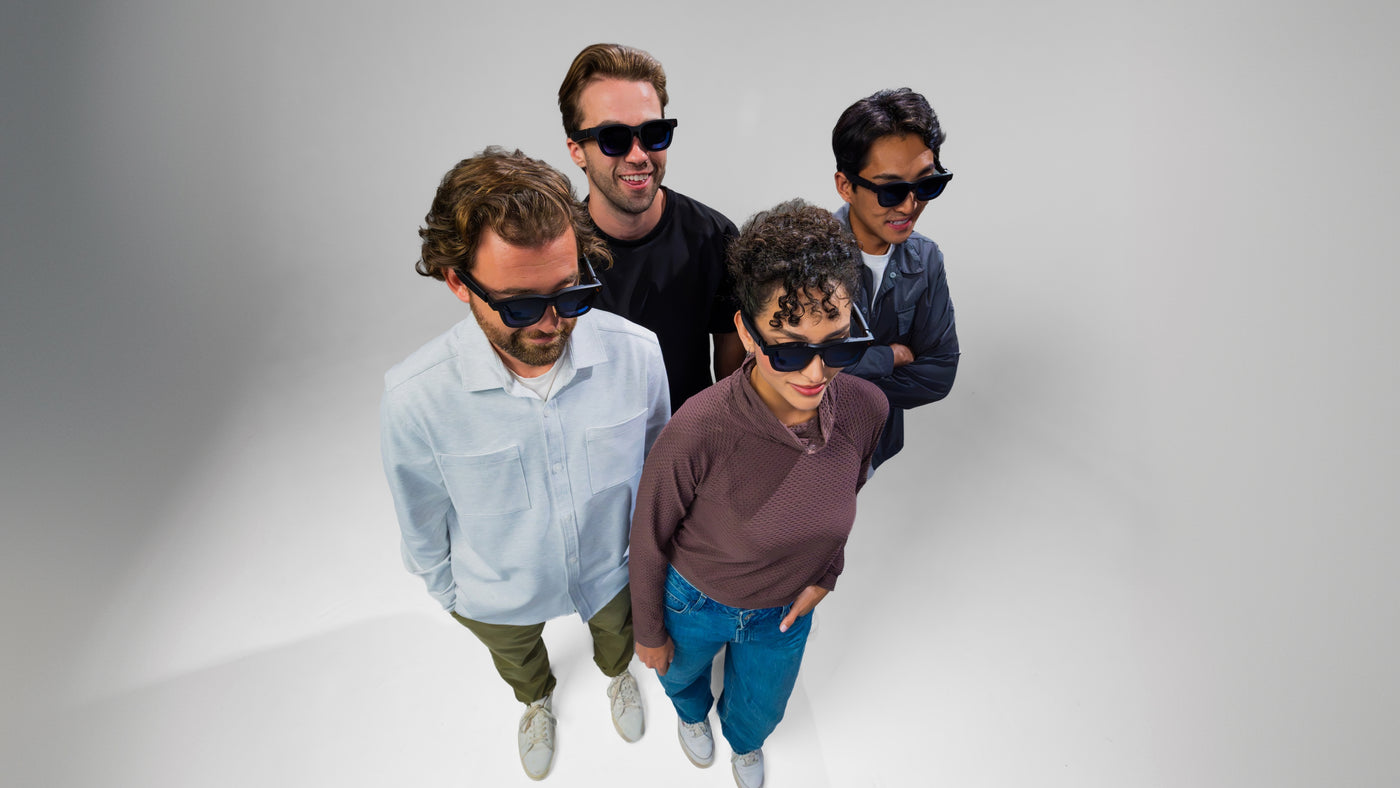
Getting the fit right brings the full display into view. Fine-tune the position, then dial in each eye.
A lighter everyday setup
The 63g frame keeps your wearable display compact and easy to take along.
Focus for each eye
Independent 0 to −5.0D diopter adjustment. For astigmatism or prescriptions beyond this range, use a prescription lens frame with custom lenses, sold separately.
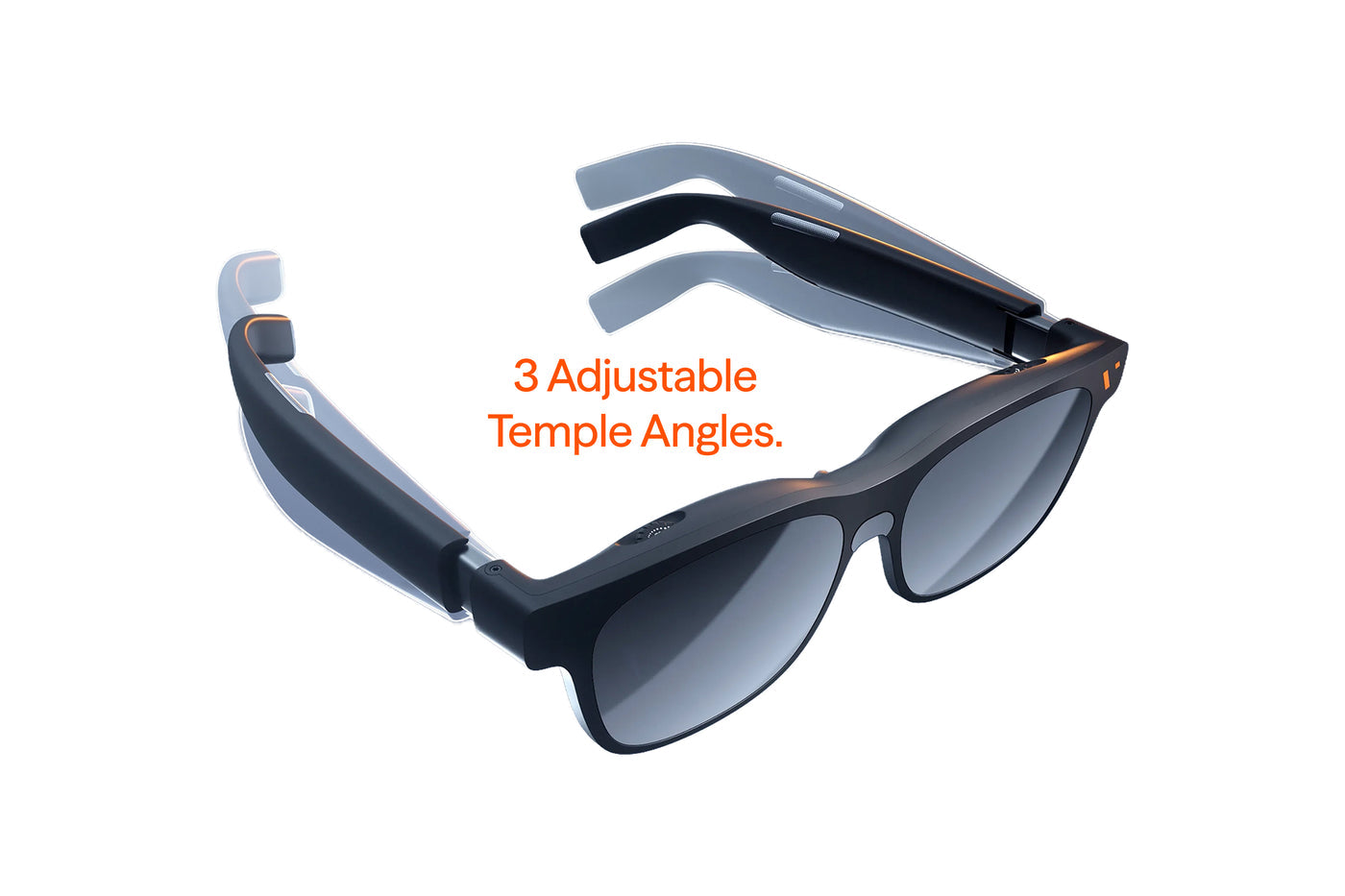
Adjust the angle
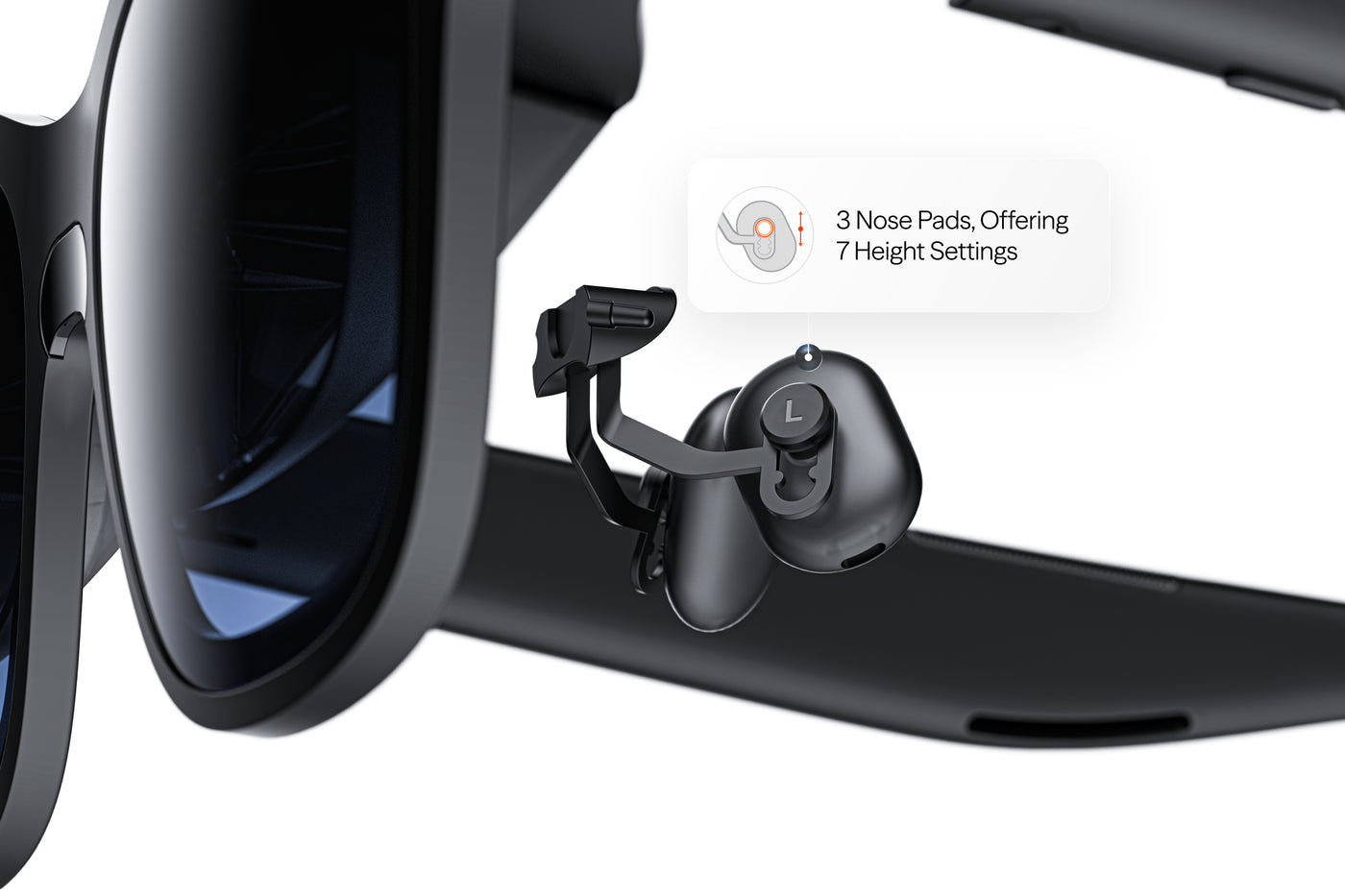
Three nose-pad sizes offer seven height settings. Three temple positions help you center the image.
Make the
connection.
A USB-C port alone is not enough. Your device must support video output through DisplayPort Alt Mode, or use a compatible dock or adapter.
Handheld gaming
Connect to Steam Deck and ROG Ally through their compatible USB-C video output.
Direct USB-CPhones & tablets
Supported iPhones, Android phones and USB-C tablets can connect directly when they provide DP Alt Mode video output.
Model dependentYour laptop, with more space
Connect a compatible Mac or Windows laptop. SpaceWalker adds supported spatial workspace features.
DP Alt Mode requiredLiving-room consoles
Nintendo Switch / Switch 2 require a compatible VITURE dock or adapter. PlayStation / Xbox require the Pro Mobile Dock.
Accessories sold separately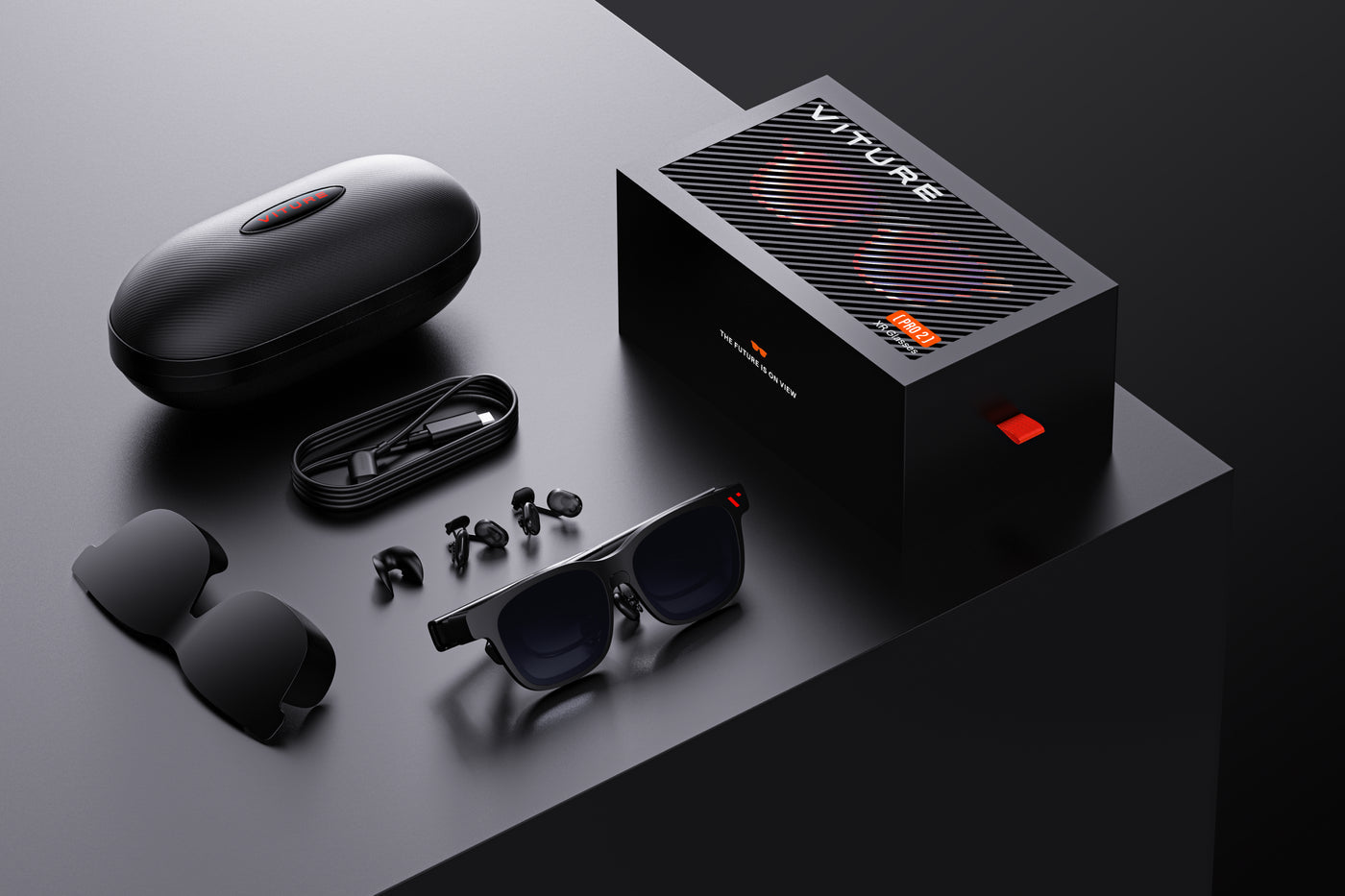
Your essentials.
In one case.
- VITURE Pro 2 XR Glasses
- Glasses case
- Lens shade
- Three swappable nose pads
- 1.2m USB-C to USB-C cable
- Glasses cloth
- Quick start guide
- Safety guideline
Standard glasses package. Docks, neckbands and prescription accessories are sold separately. Lens-shade style may vary.
A few good
questions.
Everything to help you choose your setup.
Is this a physical 146-inch screen?
It is a virtual display viewed through the glasses, equivalent to a 146-inch screen at a distance of 4 meters. Each eye uses a 1920 × 1080 display.
Will it work with my phone?
Your phone needs USB-C video output with DisplayPort Alt Mode. Supported iPhones include iPhone 15 and later, excluding iPhone 16e and iPhone Air. Android compatibility depends on the exact model. Check your model’s specifications before ordering.
Can I use it with Nintendo Switch or Switch 2?
Yes, with a compatible VITURE accessory such as the Mobile Dock Mini, Pro Mobile Dock or Adapter Ultra. These are sold separately; the glasses do not connect directly to Switch or Switch 2 for video.
Can I adjust it for my eyesight?
Each eye has its own 0 to −5.0D diopter dial. If you have astigmatism or need a prescription beyond that range, use the Pro 2 prescription lens frame with custom lenses, sold separately. Adjust the nose pads and temples to center the full display.
Does every setup run at 120Hz?
No. The glasses support up to 120Hz, but the source device, display settings, content and accessories determine the available refresh rate. Some accessories are limited to 60Hz.
Do I need a separate device to watch or play?
Yes. The glasses display content from a connected compatible device; they do not replace your phone, computer or console. SpaceWalker features also depend on the connected platform and its supported software.